

While Kingston makes some of the best PC storage devices, they also excel at offering secured USB drives. We got a chance to try out the IronKey Keypad 200 (USB-A version), and here are our thoughts about it.
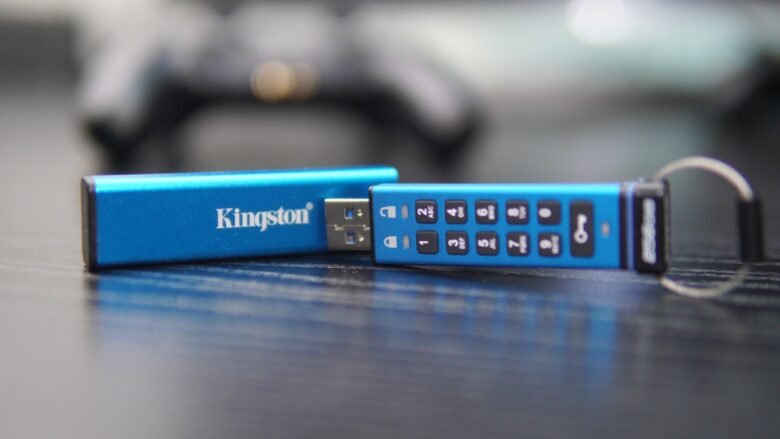
Unlike the other IronKey devices that depend on on-screen inputs, the Keypad 200, as the name suggests, features a physical alphanumeric keypad. The device features a sleeve that covers the entire device.

The Keypad 200 features a blue-colored chassis. There are three LEDs, two of which are close to the USB port, and one near the Lock button. The dimensions of the drive with the sleeve are 80mm x 20mm x 11mm, and when without the sleeve, its 78mm x 18mm x 8mm. Kingston offers the Keypad 200 in both USB-A and USB-C versions, and we got the USB-A model for review.

Even with the inclusion of the built-in physical outer keypad, the device comes with IP68 certification for dust and water resistance. The drive’s USB-A uses the USB 3.2 Gen 1 port for file transfers. However, the transfer speed differs between different storage versions. The storage models between 16GB to 256GB versions feature a read speed of 145 MB/s and write speeds of 115 MB/s. For the 512GB model, the read and write speeds are 280 MB/s and 200MB/s, respectively.


As for its secure design, Kingston mentions that the device incorporates XTS-AES 256-bit hardware-based encryption and FIPS 140-3 Level 3 (pending) certified military-grade security enhancements to protect your data. The inner circuitry is covered by a special layer of epoxy, which makes it impossible for anyone to remove the components without damaging the board.
Setting up the Keypad 200 is simple and straightforard once you watch the instructions that Kingston provides online. You will be able to create a multi-PIN for both Admin and User profiles. One of the best features of the drive is that you can unlock or lock the device without the need for any app or connecting to any PC or Mac, thanks to the drive’s rechargeable battery. On the contrary, drives like the IronKey DS500 work only when connected to any computer and unlocked via the drive’s IronKey app.
Verdict
If you are looking out for a secure storage device that features a physical keypad, then the IronKey Keypad 200 is a good choice to consider. The device is lightweight and features a sturdy construction. It can also be carried along with your keychains for daily usage. The drive also comes with a full-size sleeve cover to protect the keypad, and the device comes with IP68 certification for dust and water resistance.
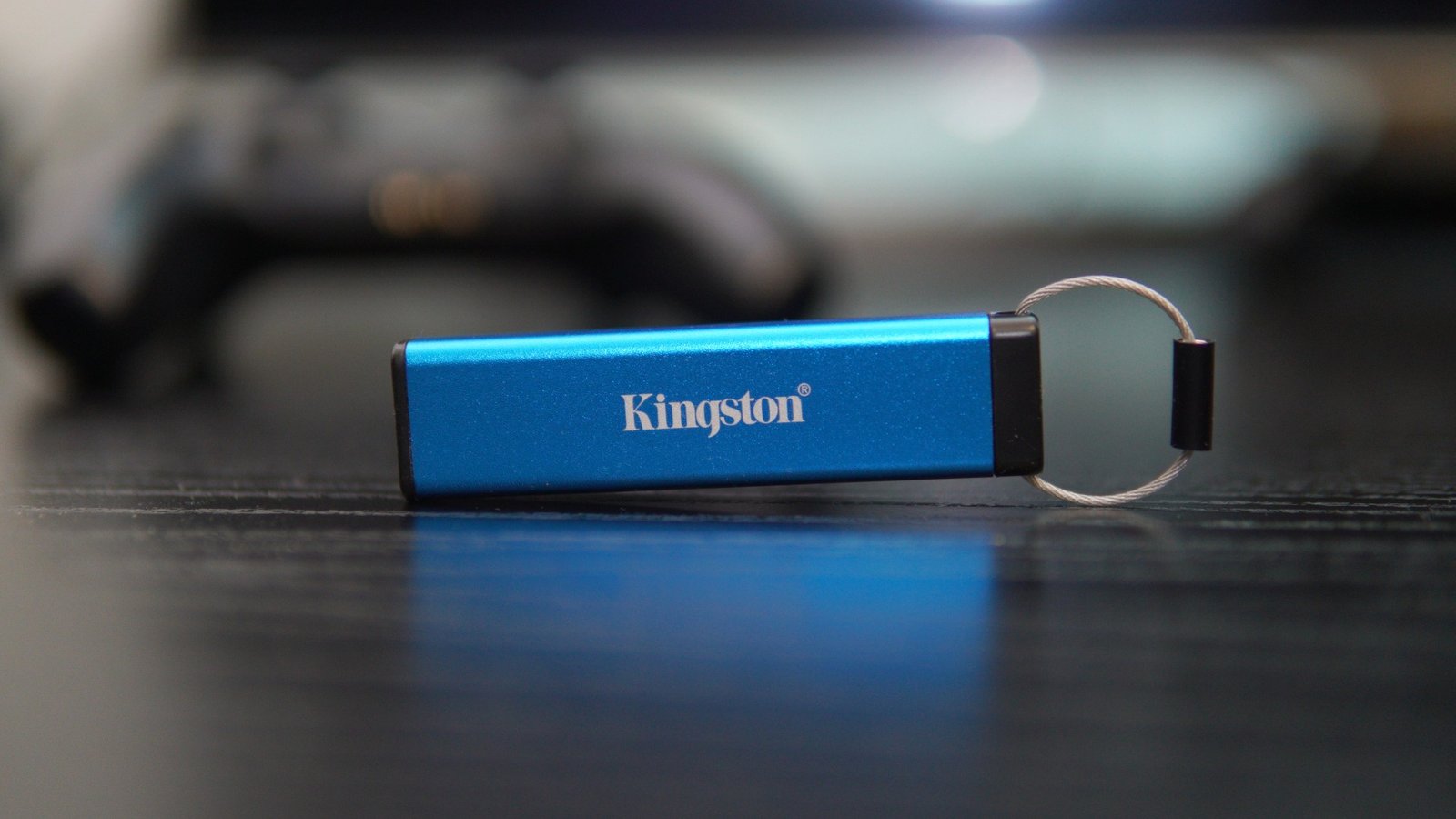
The USB 3.2 Gen 1 port is capable of 145 MB/s and 115 MB/s read and write speeds. The drive also comes with FIPS 140-3 Level 3 and XTS-AES 256-bit hardware-based encryption to protect your data. Kingston offers the Keypad 200 in both USB-A and USB-C versions.