

Taking a backup of your current workload is always a crucial aspect when doing important projects, and SanDisk is one of the leading companies that offer reliable data backup solutions. We got a chance to try out the SanDisk G-RAID MIRROR 16TB, and here are our thoughts about the drive.
Design
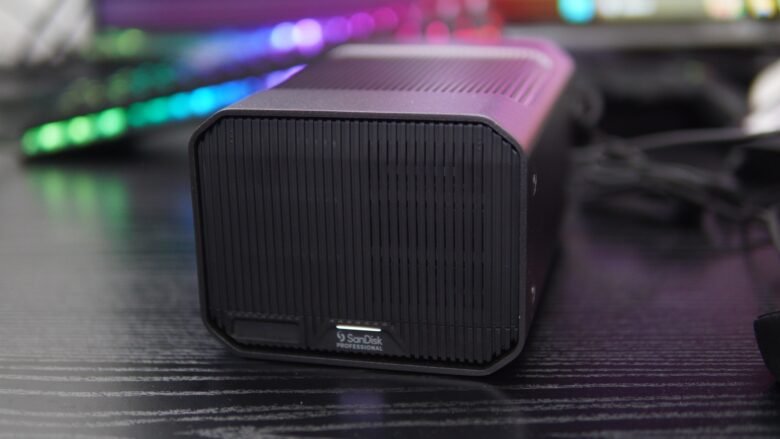
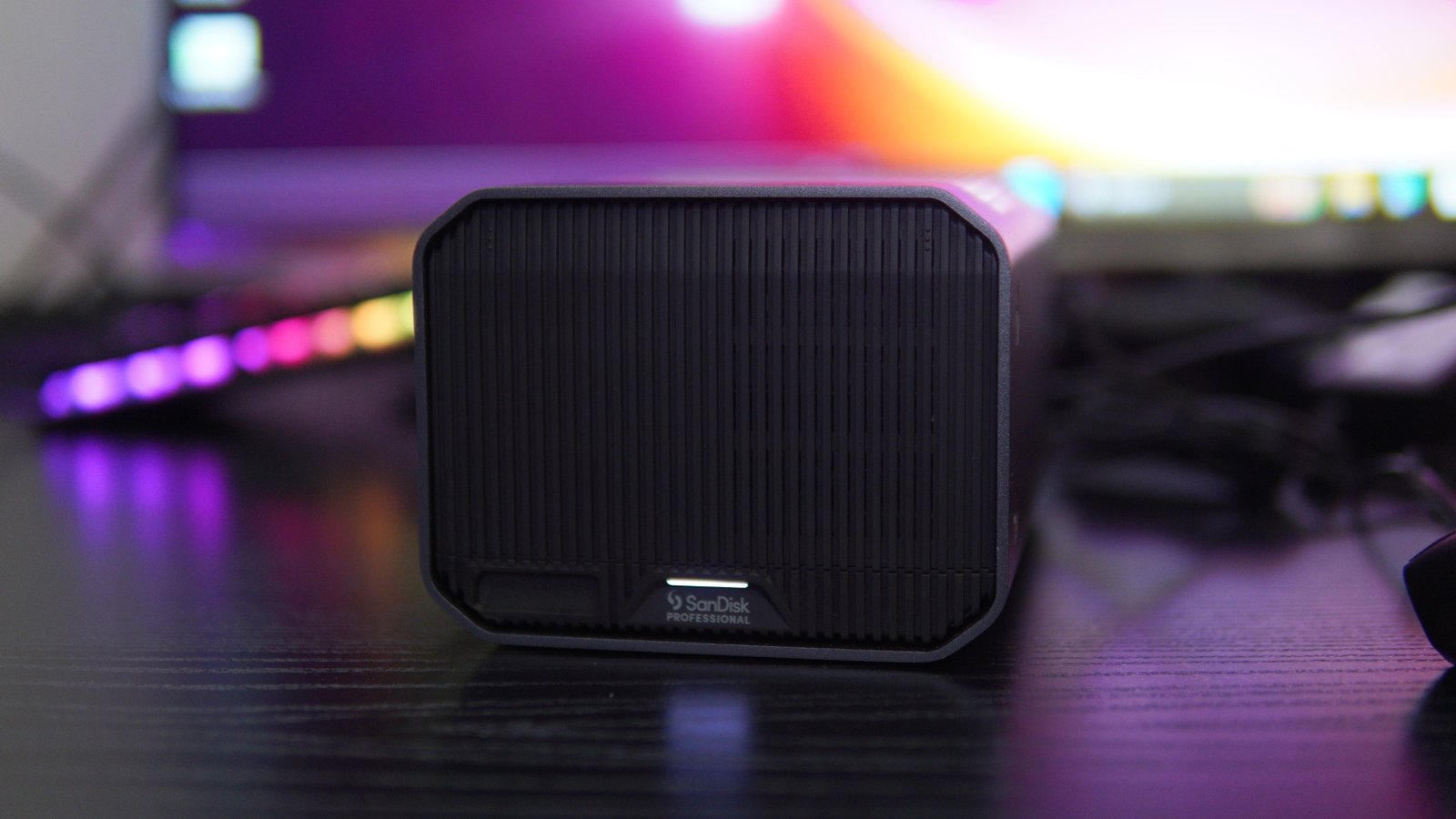
The SanDisk G-RAID MIRROR 16TB drive features a stylish grey chassis that easily fits any desk space. The dimensions of the device are 133.1mm x 210.06mm x 103.12mm, and it weighs 3.19 kg. The front side of the device features a removable cover, along with a slot to insert the PRO-BLADE SSD Mag, and an LED bar showcase the status activity. The PRO-BLADE SSD Mag is sold as a seperate accessory.
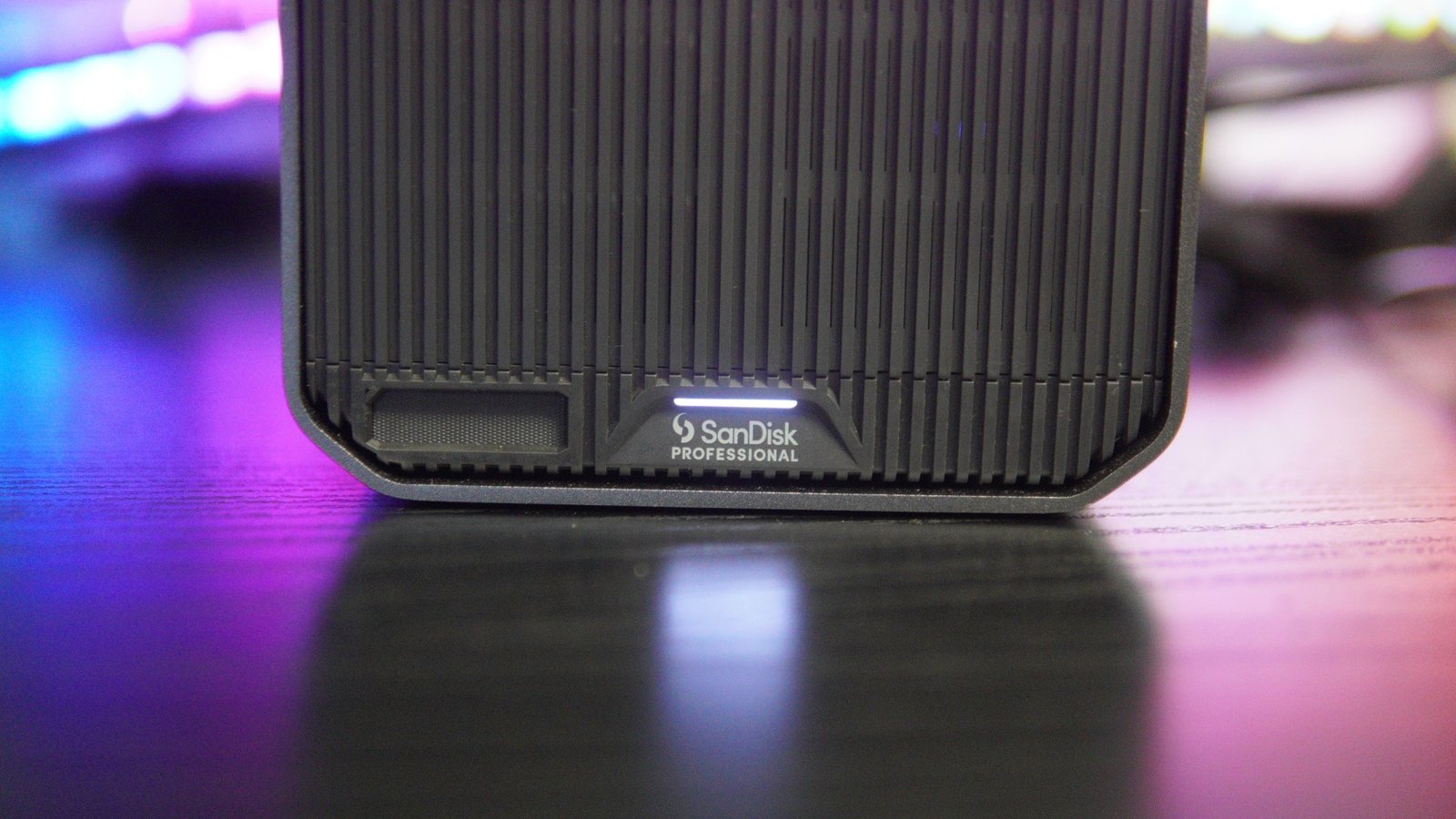
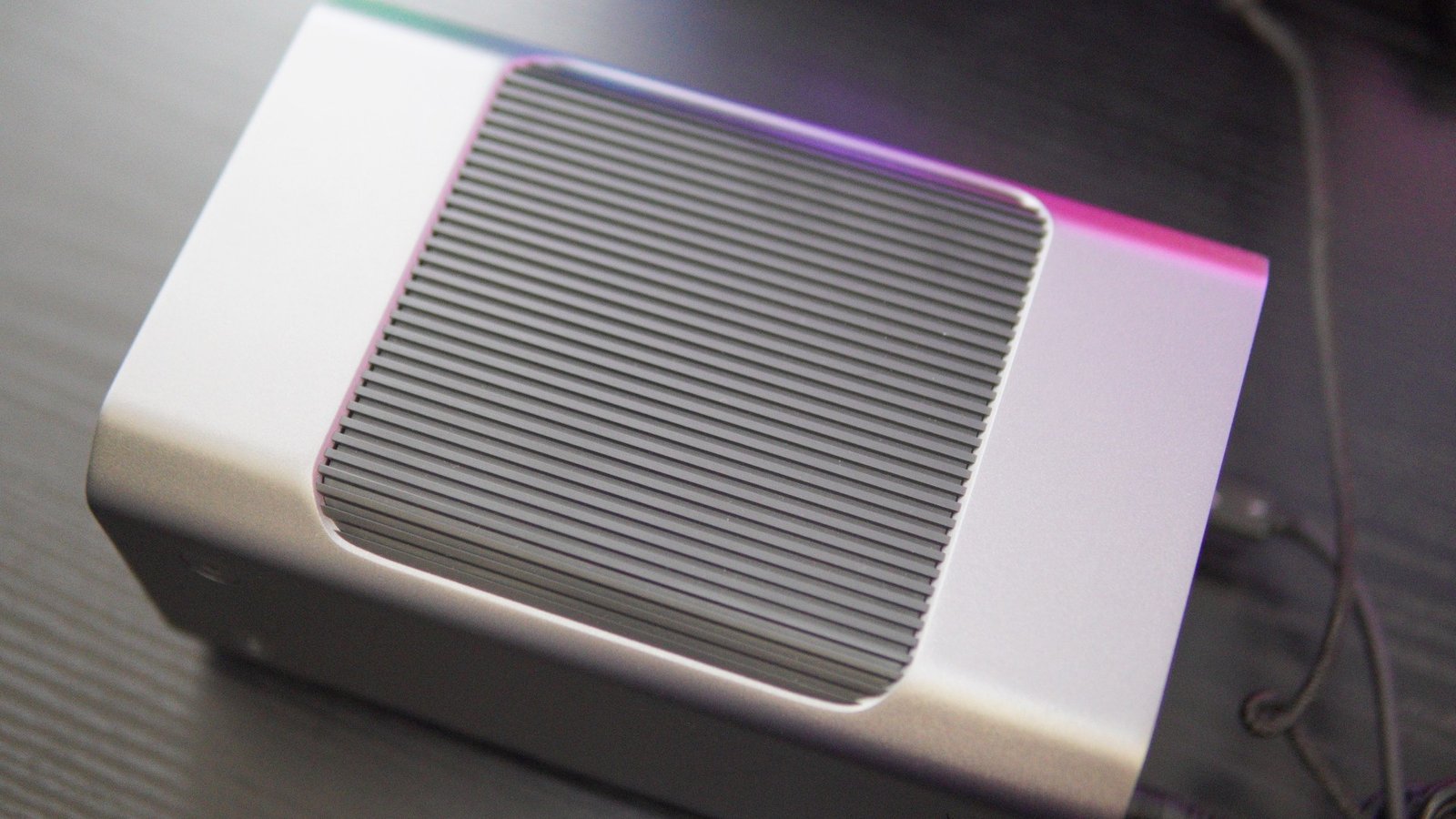
On the top side, you have another grill-like design, along with the steel grey frame. There are also anchor points on the sides for custom accessories.
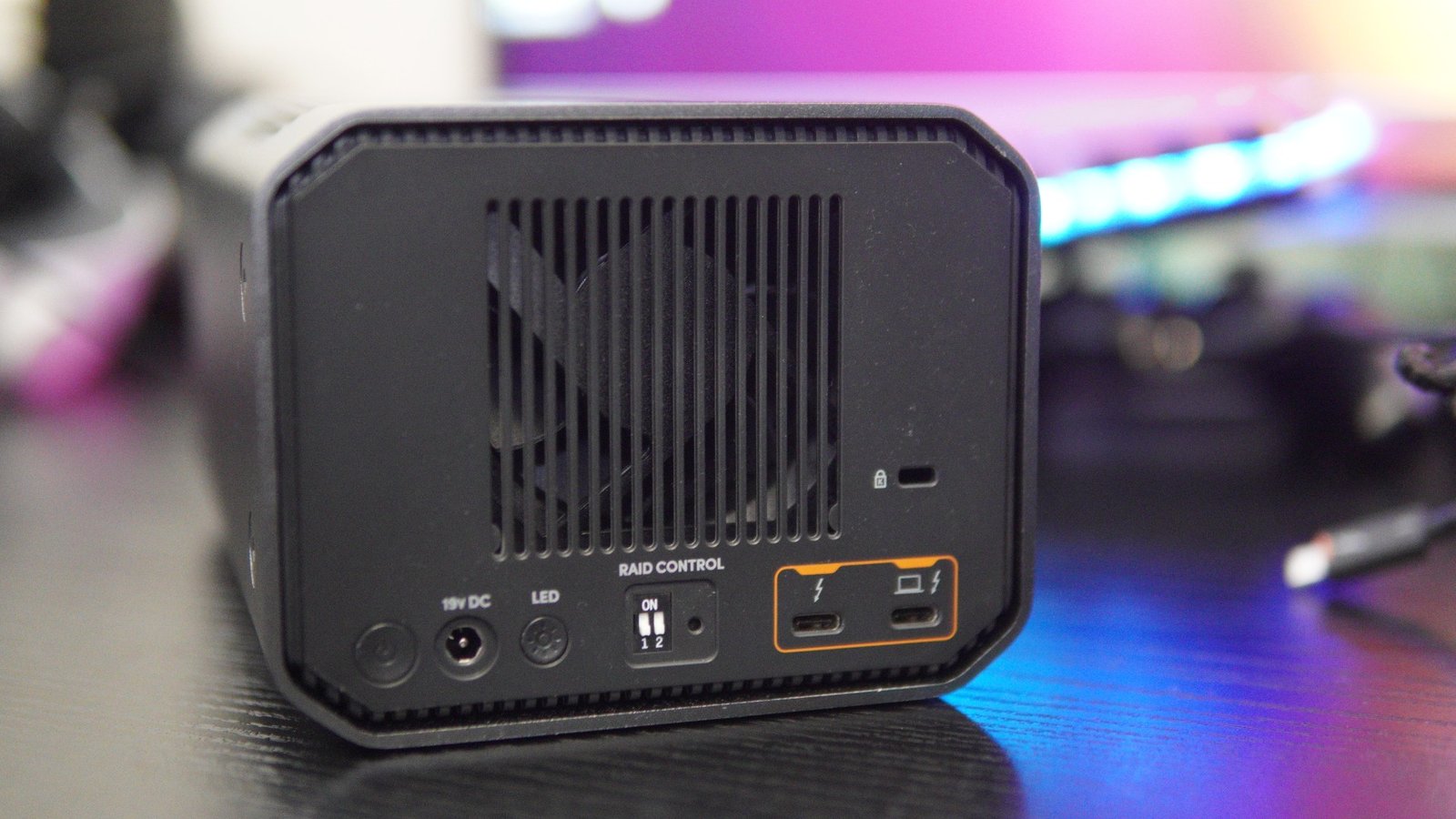
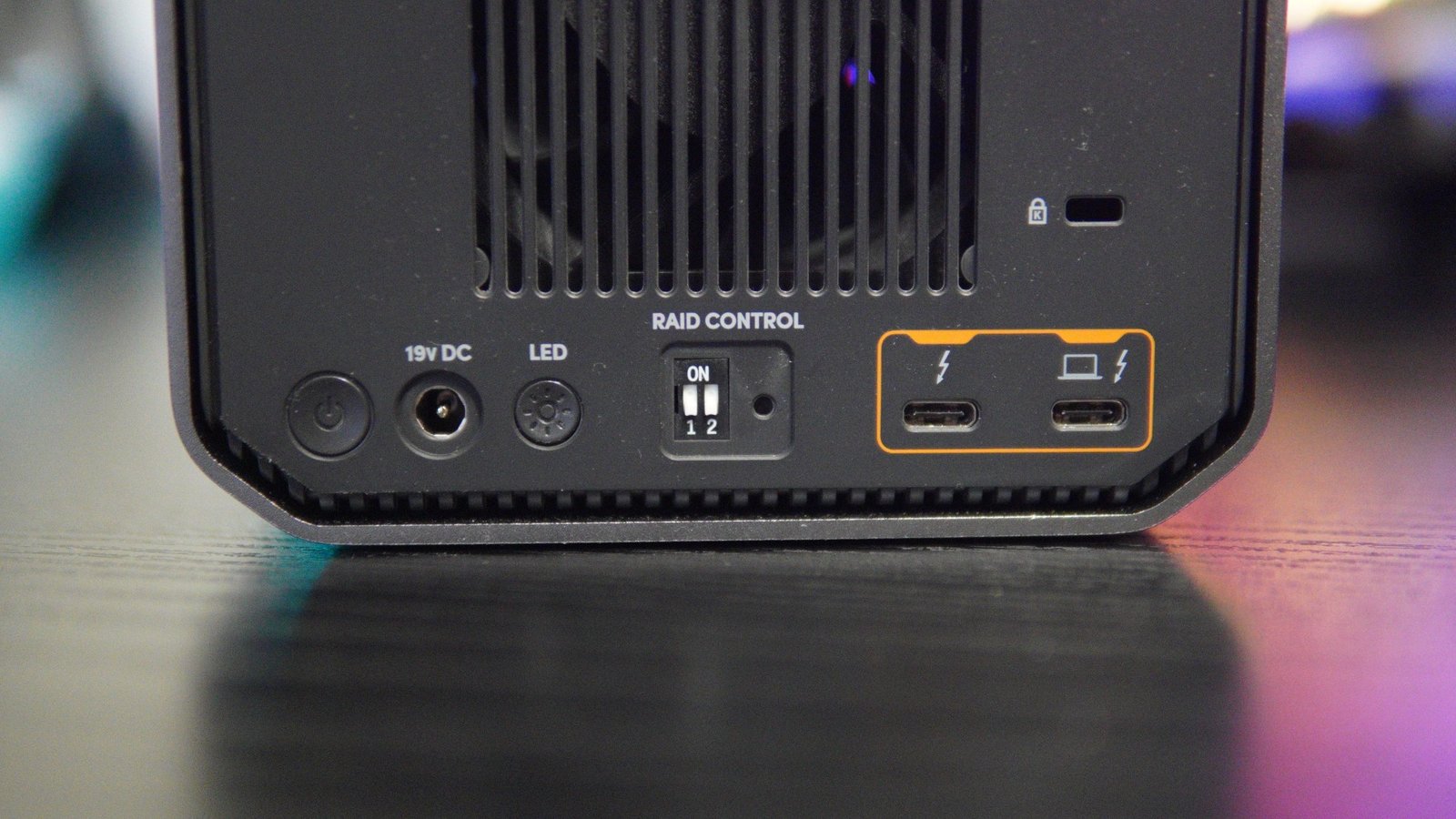
The rear side of the drive features the exhaust fan vent, the main power button, the power connector, an LED button to adjust the brightness of the status LED, the RAID control switch, and two Thunderbolt 3 ports that also support USB-C 3.2 Gen 2 connections. The right-sided Thunderbolt 3 port with the desktop logo is used to connect to the PC or Mac devices. There is also a Kensington security slot as well on the rear side.
Changing or removing the internal hard drives is easy and straightforward. All you need to do is press the top left and right sides of the front cover and slide down to remove the cover, followed by pushing the unlock section of the drive tray and sliding out the drive easily. The G-RAID MIRROR that we got for review, features two internal bays for full-sized hard drives.
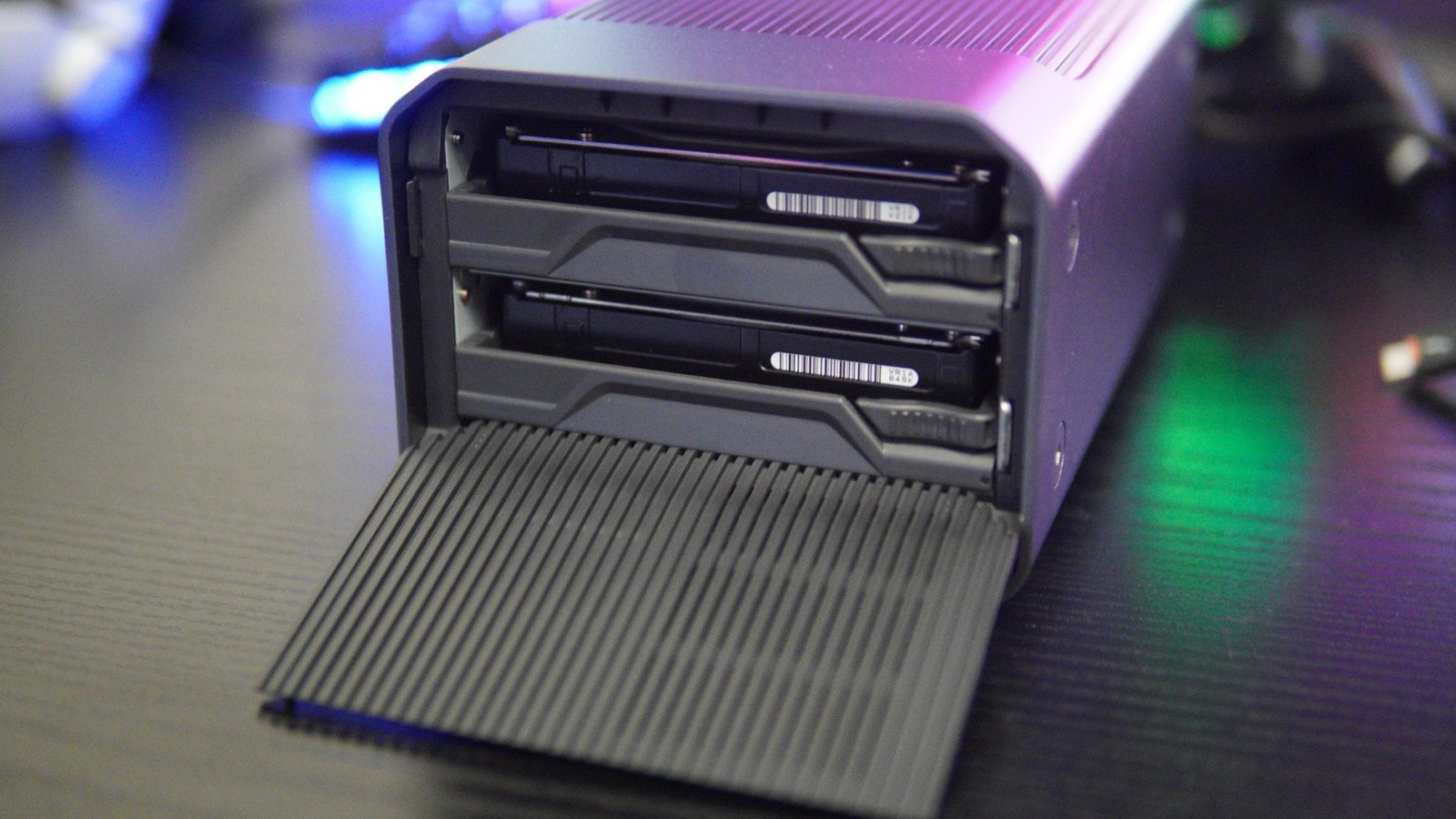
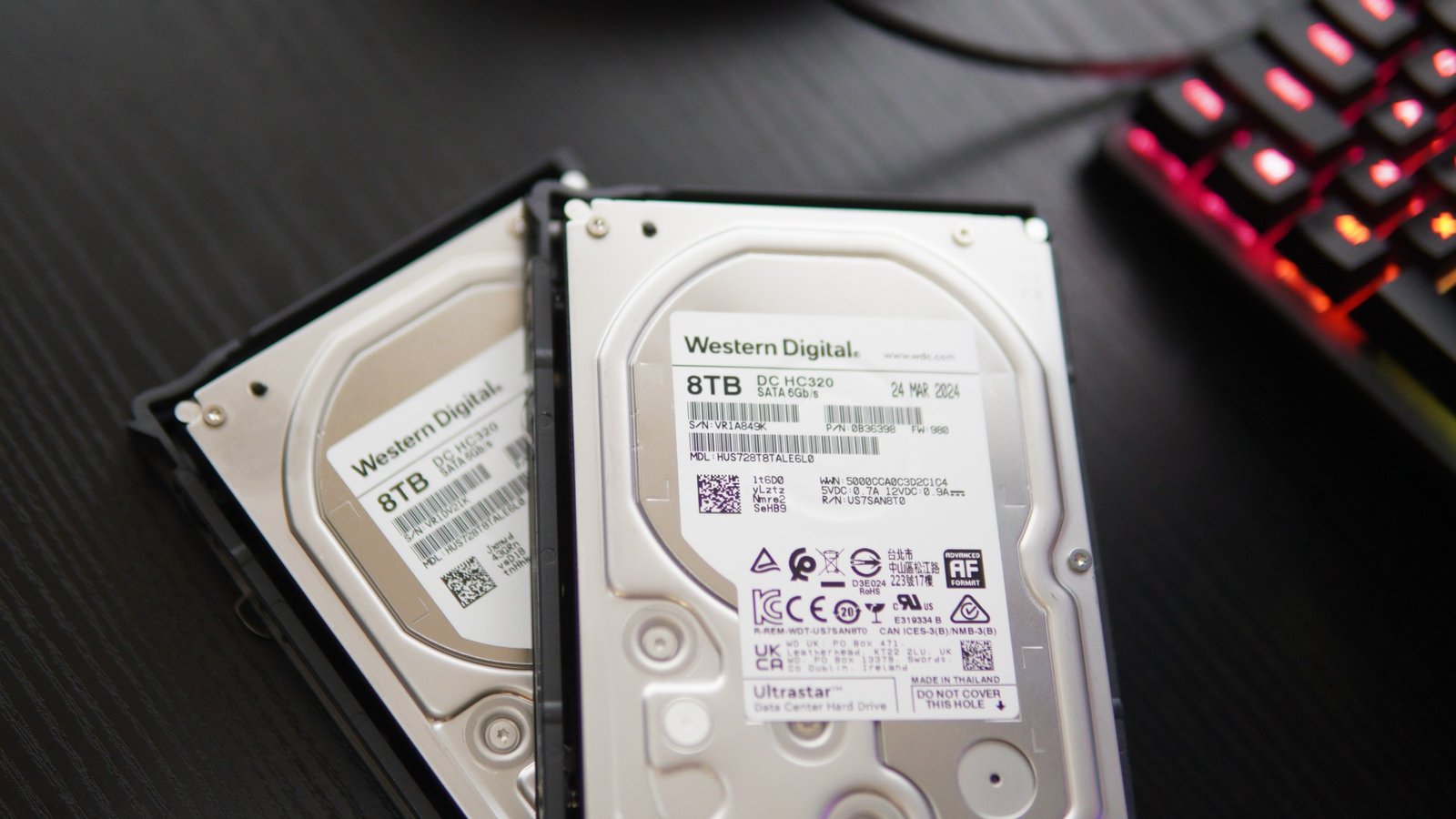
The device comes with two 8TB HDDs out of the box. The packaging includes the G-RAID MIRROR, a color-coded Thunderbolt 3 cable, a quick start guide, a power cable and an AC power adapter.
Features and Performance
The G-RAID MIRROR comes with a RAID control switch that lets users choose between RAID 1, RAID 0, or JBOD modes, all by just flipping the switch patterns. When the switches are all set to down, it works as RAID 1, and when both are set upwards, its RAID 0. The device comes pre-configured as RAID 1 for ease of use, so your data gets backed up on the primary HDD, and also have its duplicate copies created on the second drive.
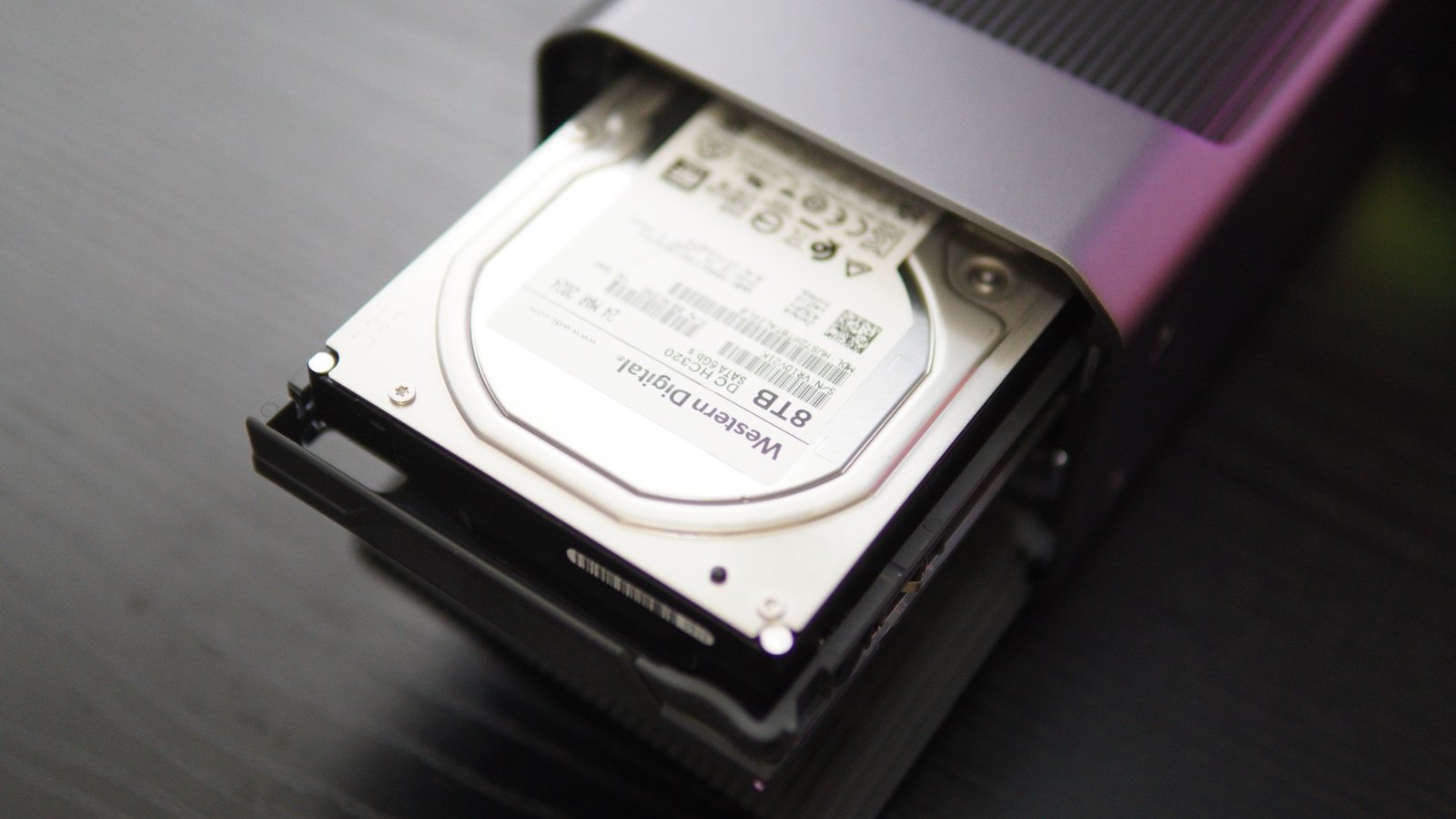
As you can see, the G-RAID MIRROR includes two Western Digital 8TB SATA 6Gb/s 7200RPM, enterprise-class hard drives. While the copy speeds are very low when compared to SSDs, the hard drives will have higher TBW ratings, which means the drive lasts longer with more write operations.
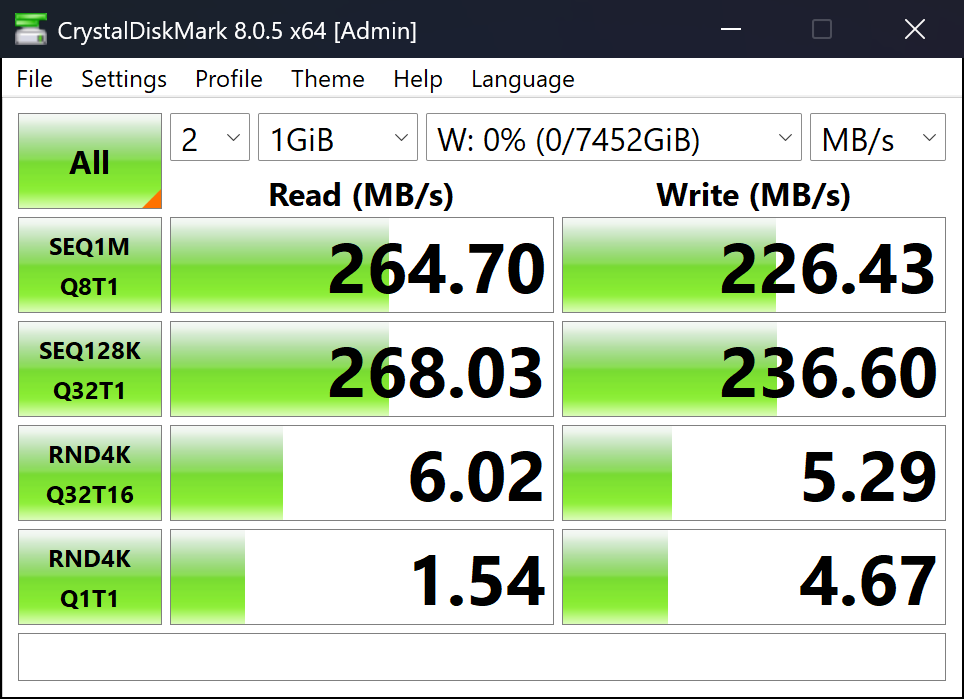
We did test the hard drives with CrystalDiskMark and got a score of around 264MB/s read and 226 MB/s write speeds. We also tried copying a 70GB file from one internal SSD to the drive, and it took about 10 minutes to transfer. The drive is compatible with Mac systems with MacOS 11+ versions and Time Machine compatible, iPadOS 14+ devices, and Windows 10+ PCs.
Verdict
If you are looking for a reliable storage solution that is easy to set up and configure, then we recommend the SanDisk G-RAID MIRROR 16TB drive. The device comes in a stylish chassis, and there is a slot on the front side for the PRO-BLADE SSD Mag accessory. The front cover can be easily opened to access the internal hard drives, in case you want to replace the internal hard drives.
There are two internal hard drives with 8TB capacity each. Users can choose between different modes with the RAID switch that is located on the rear side. The device comes with RAID 1 configured as factory settings, and you can change to RAID 0 or JBOD. There are two Thunderbolt 3 ports on the rear side of the device, along with a light control button and the power button.